How to Apply Coupon Code in Purplle App: Step-by-Step Guide
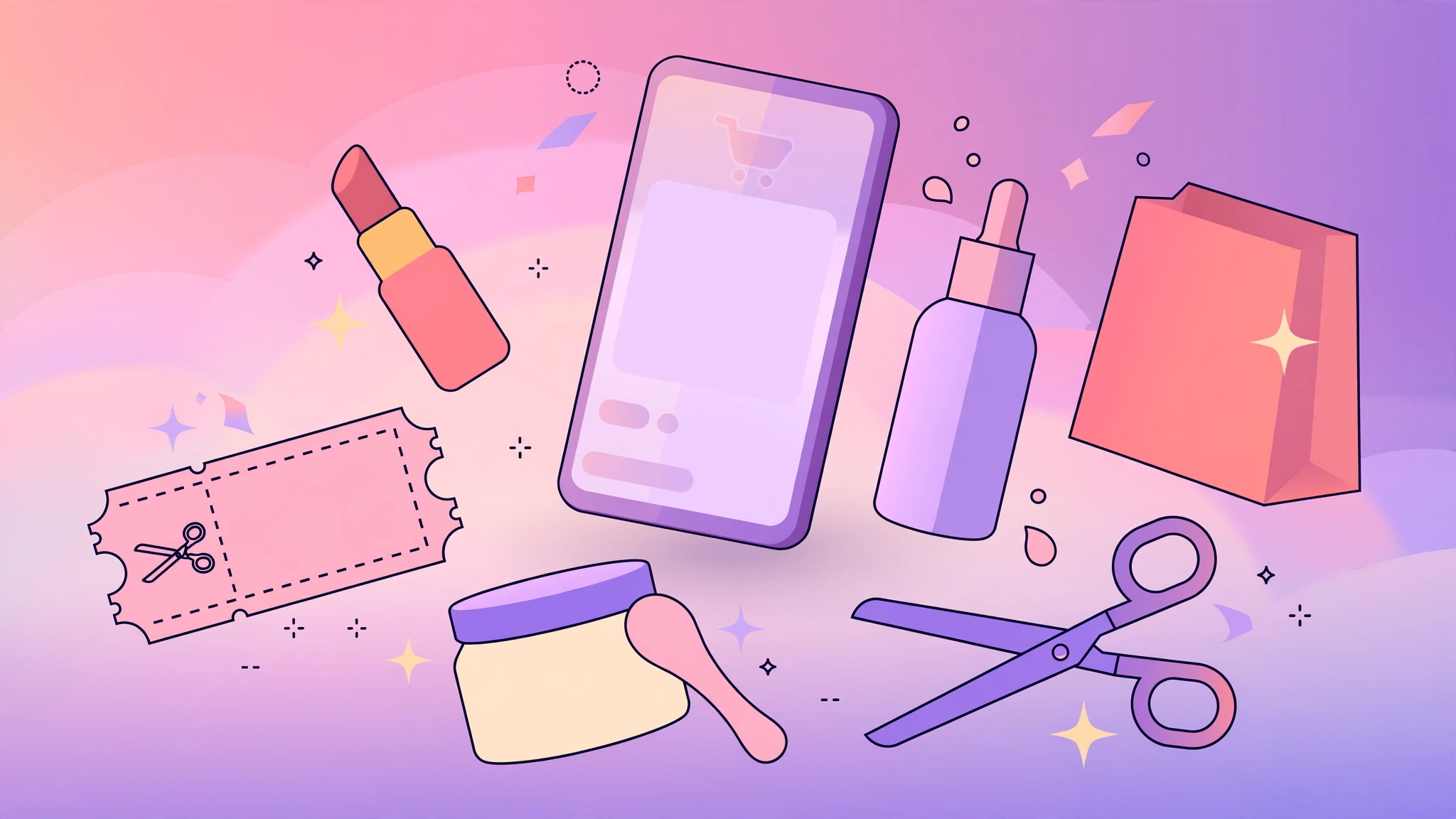
Shopping for beauty and personal care products on your phone gets even better when you know how to apply coupon code in Purplle app. Purplle is one of India’s most popular beauty shopping apps, offering skincare, makeup, hair care and personal care products from hundreds of brands. Applying a promo code at checkout takes less than a minute and can reduce your order total on eligible items. This guide walks you through every step, from finding the coupon field to troubleshooting a code that won’t apply.
Steps to Apply a Coupon Code in the Purplle App
- Open the Purplle app and log in. Download the app from the Play Store or App Store if you don’t have it, then sign in with your mobile number or existing account.
- Add products to your bag. Browse categories like skincare, makeup, hair care or fragrances, and tap “Add to Bag” on the items you want to buy.
- Open your shopping bag. Tap the bag or cart icon, usually at the top right of the screen, to review your items and their prices.
- Tap “Proceed to Checkout.” Review your delivery address and choose a delivery slot or shipping option if prompted.
- Find the coupon field. On the payment or order-summary screen, look for the “Apply Coupon”, “Promo Code” or “Have a coupon?” box — it usually appears just above the order total.
- Enter your coupon code. Type the code carefully, exactly as shown, and double-check for spaces or letter mix-ups.
- Tap “Apply.” The discount will reflect in your order total on eligible items. You should see the savings shown before you pay.
- Complete payment. Choose your payment method — UPI, card, netbanking or cash on delivery — and place your order.
Where to Find the Coupon Field in the App
If you’re learning how to apply coupon code in Purplle app for the first time, the trickiest part is locating the coupon box. It appears on the order-summary page during checkout, typically right above the bill details section that lists item total, delivery charges and payable amount. Some versions of the app show a dedicated “Coupons” section where available offers are listed — tapping one auto-fills the code for you. Always scroll down the checkout page fully; the field can sit below the fold on smaller screens.
Tips to Get the Most Out of Purplle Coupons
- Apply the code before paying. A code entered after the order is placed cannot be adjusted, so always verify the discount appears in your total first.
- Check the minimum order value. Many Purplle coupons apply only above a certain cart value. Add items until you cross the threshold, then apply the code.
- Compare available offers. The app often lists multiple active coupons in the coupon section — try each one on your cart to see which gives you the better saving.
- Shop during sale events. Purplle runs themed sales and brand days when additional offers stack with app coupons for bigger savings.
- Watch category exclusions. Some codes apply only to select categories or brands. Read the offer terms in the app so you know exactly which items qualify.
- For the latest verified Purplle offers, visit our Purplle store page.
- You can also browse the latest launches directly on Purplle’s official site.
What to Do If Your Coupon Code Isn’t Working
- Re-check the spelling. Codes are case-sensitive and a single wrong letter will block the discount. Copy-paste when possible.
- Confirm the minimum cart value. If your bag total is below the required amount, the app will reject the code.
- Check the expiry and usage limit. Some codes are single-use per account or valid only for a limited period.
- Verify item eligibility. If your cart contains excluded brands or already-discounted items, the code may not apply.
- Update the app. An outdated app version can cause checkout glitches — install the latest version from your app store and try again.
- Log out and back in. Session issues occasionally block coupon application; re-logging in usually fixes it.
Frequently Asked Questions
Q: Where do I enter the coupon code in the Purplle app?
A: You enter it in the “Apply Coupon” or “Promo Code” field on the order-summary screen during checkout, just above the bill details, before choosing your payment method.
Q: Can I use more than one coupon code on a single Purplle order?
A: Generally the app allows only one coupon code per order. Choose the code that gives you the highest saving on your current cart.
Q: Why does my Purplle coupon code show as invalid?
A: This usually happens due to a typo, an unmet minimum order value, an expired code, or items in your cart that the offer excludes. Check each of these in order.
Q: Do Purplle coupon codes work on sale items?
A: It depends on the offer’s terms. Some codes apply site-wide while others exclude already-discounted or sale products. Read the offer details in the app before applying.
Q: Can I apply a Purplle coupon code after placing the order?
A: No. Coupon codes must be applied before payment is completed. Always confirm the discount shows in your order total before you pay.
Related Post
How to Use Amazon SuperCoins for Extra Discount: A Complete Guide
If you have been searching for how to use Amazon SuperCoins for extra discount, there [...]
How to Apply Coupon Code in Myntra (App & Website)
Knowing how to apply coupon code in Myntra can make a real difference to your [...]