How to Check If a Coupon Code Is Real: 8 Quick Checks Before Checkout
How to Check If a Coupon Code Is Real: 8 Quick Checks Before Checkout
Learning how to check if a coupon code is real can save you from one of online shopping’s most annoying moments: pasting a code at checkout, hitting apply, and watching nothing happen.
Worse, some fake codes are not just dead links. They are traps designed to steal your personal details. Fake and expired coupon codes show up everywhere: in random comments, shady deal forums, and sponsored-looking search results. The good news is that spotting them takes less than a minute once you know what to look for. This guide walks you through eight practical checks that show how to check if a coupon code is real before you waste time or risk your data.
How to Check If a Coupon Code Is Real: 8 Quick Checks
- Check the source of the code. Codes published on a brand’s official website, app, or verified social media accounts are trustworthy. A code from an anonymous comment thread or a random forwarded message is not. The source is the single strongest signal of whether a coupon code is real.
- Read the terms and conditions carefully. Genuine offers spell out what the code applies to: minimum order value, eligible product categories, and who can use it. A code with no conditions at all, just a big promised discount, is a red flag.
- Look at the date the code was shared. Codes posted months or years ago are usually expired, especially seasonal and festive-sale codes. Coupon aggregators often recycle old pages, so check when the page or comment was published.
- Test the code before entering payment details. Apply it as early as possible in the checkout flow, ideally on the cart page, so you can remove it and back out safely if it does not work.
- Watch the URL trail. If a coupon site bounces you through unfamiliar short links, pop-ups, or asks you to download an app or extension to “unlock” the code, close the tab. Real coupon codes never need a download.
- Never pay for a coupon code. Legitimate discount codes are always free. Any site that charges money, asks for a subscription, or demands your card details to reveal a code is a scam.
- Be suspicious of offers that sound too good to be true. Vague wording like a huge discount on everything with no terms and no source is almost always fake or clickbait.
- Cross-check on a trusted coupon site. If the same code appears on a reputable deal site with consistent terms and a recent posting date, it is far more likely to be genuine. Browse verified codes on Offerve’s coupons page (verified coupon codes).
Why Fake Coupon Codes Look So Real
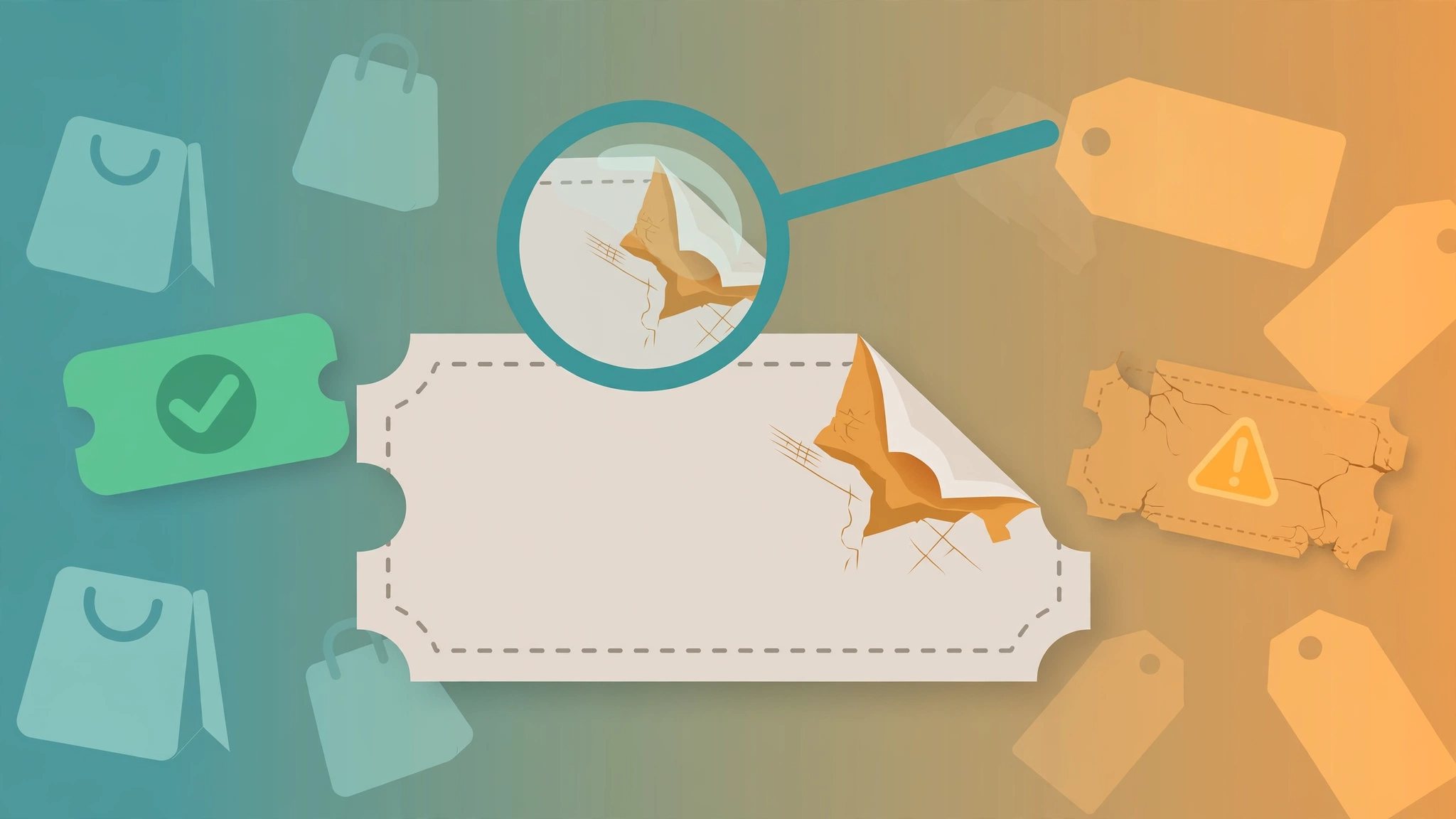
Scammers copy real campaign names, design lookalike pages, and recycle expired codes because the real ones already built trust. Search engines also resurface old coupon pages that rank well long after the offer ended. That is why a code can look completely legitimate, with the brand’s name and logo, and still do nothing at checkout. There is an important difference between an expired code and a malicious one: an expired code simply fails, while a malicious one tries to get something from you, like a login, a download, or a payment.
How to Check If a Coupon Code Is Real Before Sharing It
Before forwarding a code to friends or family, run it through the same checks: test it yourself, confirm the terms, and share the source and the date you found it. Do not forward codes you have not verified, because you become the untrusted source. And never share codes that were sent to your personal account by a brand, since many are single-use or account-specific and will not work for anyone else.
Tips to Keep Your Shopping Safe
- Use the brand’s official website or app for the final purchase, not a redirect from a coupon page.
- Keep your browser and phone updated so phishing warnings stay current.
- Turn on transaction alerts for your cards and UPI apps so you spot misuse fast.
- Never enter card, bank, or OTP details on a coupon or deals website itself.
- If you suspect fraud, report it on the National Cyber Crime Reporting Portal.
FAQs: How to Check If a Coupon Code Is Real
Why do coupon codes suddenly stop working?
The most common reasons are expiry, a limited number of redemptions being used up, the code being account-specific or new-user-only, or your cart not meeting the minimum order value or eligible categories.
Can a coupon code itself steal my data?
No, the code is just text. The risk comes from fake coupon websites that use the code as bait to phish your login, card details, or OTPs. A genuine code never asks for any of that.
Are coupon codes on social media safe?
Only when they come from the brand’s verified official accounts. Codes posted by random pages, meme accounts, or commenters should be treated as unverified until you test them.
What should I do if a code does not apply at checkout?
Recheck the terms: minimum order value, eligible products, and whether it is limited to new users or a specific payment method. If everything matches and it still fails, the code is likely expired, so try another verified code.
Is it safe to share coupon codes with friends?
Yes, as long as the code came from an official source and you pass along the terms too. Avoid sharing codes tied to your personal account, since those often work only for you.
Knowing how to check if a coupon code is real takes less than a minute and saves you from wasted checkouts and risky websites. Check the source, read the terms, test early, and never pay for a code. For codes you can trust, start with the verified coupon codes on Offerve and shop with confidence.
Related Post

Purplle First Order Coupon Code: A New Shopper’s Savings Guide
If you are shopping on Purplle for the first time, a Purplle first order coupon [...]
How to Use Blinkit Instant Coupons at Checkout: A Complete Guide
If you are wondering how to use Blinkit instant coupons at checkout, this step-by-step guide [...]