How to Get Extra Discount on Myntra App: A Complete Savings Guide
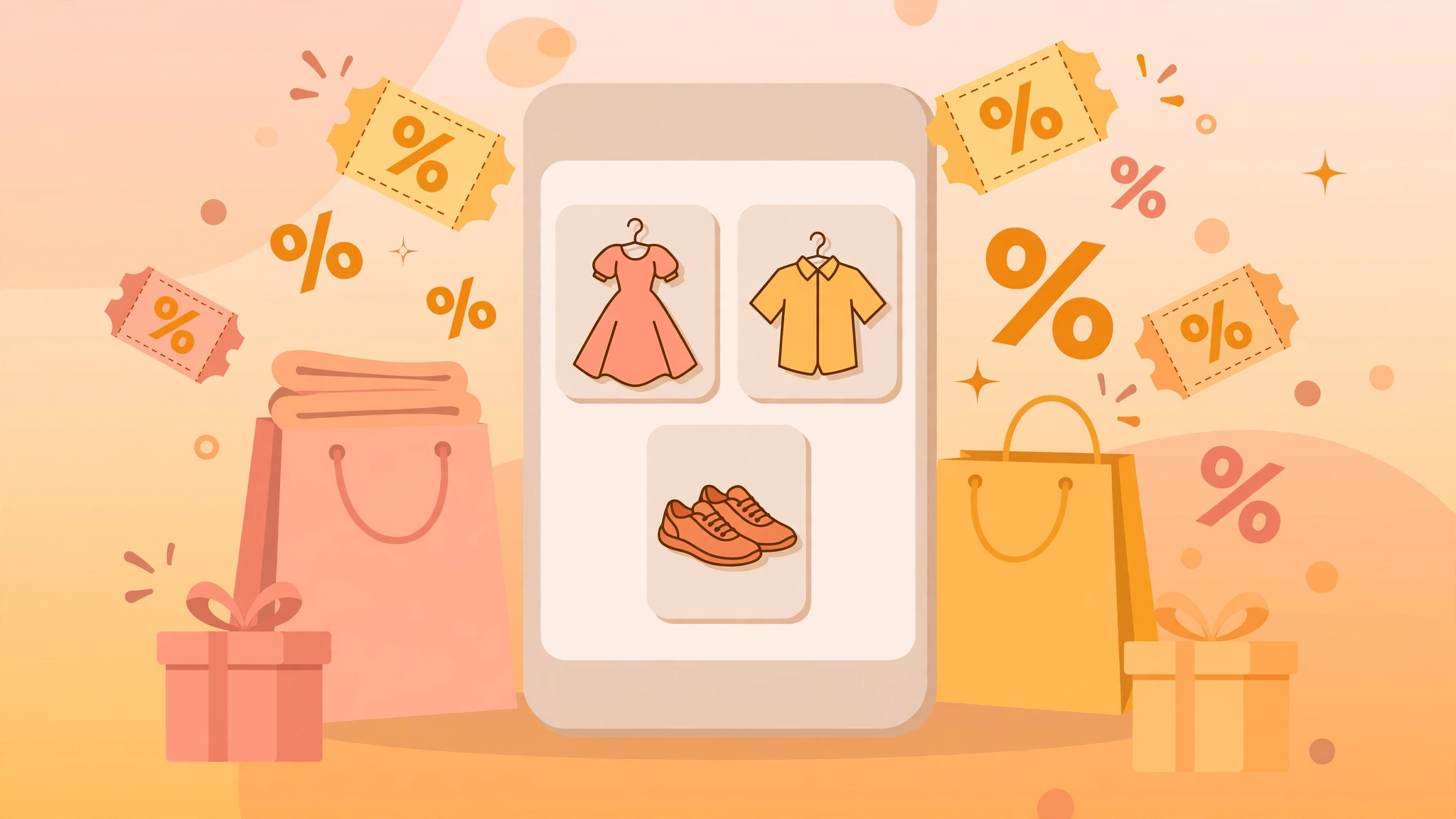
Myntra’s app often shows savings options that do not appear on the desktop site, which is why learning how to get extra discount on myntra app is worth a few minutes of your time. Between app-exclusive offers, wallet rewards, and well-timed checkout steps, the final price on the app can end up noticeably lower than what you see in your browser. This guide walks you through every legit way to stack those savings without any guesswork.
Why the Myntra App Offers More Ways to Save
The Myntra app is the platform’s primary channel, so it tends to carry promotional formats you will not find elsewhere. Common ones include an in-app coupon section, app-only price drops during events, and notifications about limited-time deals. If you shop on Myntra regularly, using the app as your default shopping surface is the simplest first step toward paying less.
How to Get Extra Discount on Myntra App: Step-by-Step
Follow these steps in order before you place any order:
- Install or update the Myntra app from the official app store on your phone.
- Sign in to your Myntra account so offers, coupons, and wallet balance are tied to your profile.
- Browse and add products to your bag, but do not check out right away.
- Open the app’s coupons or offers section and look for coupons applicable to the items in your bag.
- Go to your bag and enter an applicable coupon code in the coupon field before payment.
- On the payment page, check whether wallet balance or reward points can be applied to reduce the payable amount further.
- Review the final price, then place the order.
Doing the coupon check before payment is the step most shoppers skip, and it is the one that unlocks the extra discount on myntra app most reliably.
Use the In-App Coupon Section Effectively
The app usually has a dedicated coupons area that lists currently active coupons with their terms. Read the terms on each coupon: minimum order value, applicable brands or categories, and usage limits per user. A coupon that does not apply to your bag is not a bad coupon – it is simply the wrong coupon for that cart. Filtering coupons by category before checkout saves time and avoids frustration.
How to Get Extra Discount on Myntra App During Sale Events
Sale events are when the app’s savings stack best. Prices drop first, and coupons can often be applied on top of sale prices. To make the most of them:
- Add items to your wishlist ahead of the event so you can act fast when prices change.
- Turn on app notifications so you hear about app-exclusive deals early.
- Compare the sale price in the app with the desktop price; the app sometimes carries an extra app-only cut.
- Check the coupons section again during the event, since new coupons are often released mid-sale.
Tips to Save More on Every Order
- Shop the app instead of the website whenever possible; app-exclusive formats are a consistent source of extra savings.
- Keep your app updated so new coupon formats and offer banners appear correctly.
- Pay attention to wallet and loyalty balance; letting it sit unused is leaving money on the table.
- Bundle items to cross minimum order thresholds where coupons require them.
- Check Myntra coupon codes on Offerve for offers currently listed there before you check out.
- Visit the Myntra app to manage your account, coupons, and wishlist in one place.
FAQ
Does the Myntra app really give extra discounts over the website?
The app frequently runs app-exclusive coupons and offer formats that do not appear on the desktop site, so shoppers who use the app often end up paying less for the same items.
Where do I enter a coupon code in the Myntra app?
Add items to your bag, tap through to the checkout flow, and look for the coupon or promo code field before you reach the payment step. Enter the code there and apply it to see the updated price.
Can I use more than one coupon on a single Myntra order?
Generally, one coupon applies per order. The way to increase savings is to combine a coupon with app-exclusive prices, wallet balance, and payment-page offers where available.
Why is my coupon code not working in the app?
The most common reasons are a minimum order value that your bag has not reached, the coupon being limited to specific categories or brands, or the coupon having reached its per-user usage limit. Re-read the coupon’s terms in the app’s offers section.
Is it safe to shop and pay through the Myntra app?
Yes. The app is Myntra’s official channel, and payments go through the same secure gateways as the website. Keep the app updated and use official payment methods for the safest experience.
Related Post

How to Get a Referral Bonus on Grocery Apps: A Complete Guide
Learning How to Get a Referral Bonus on Grocery Apps is one of the easiest [...]
How to Use Referral Codes to Earn Rewards: A Complete Guide
Learning how to use referral codes to earn rewards is one of the simplest ways [...]