How to Use Amazon Pay Coupon: A Step-by-Step Guide for Indian Shoppers
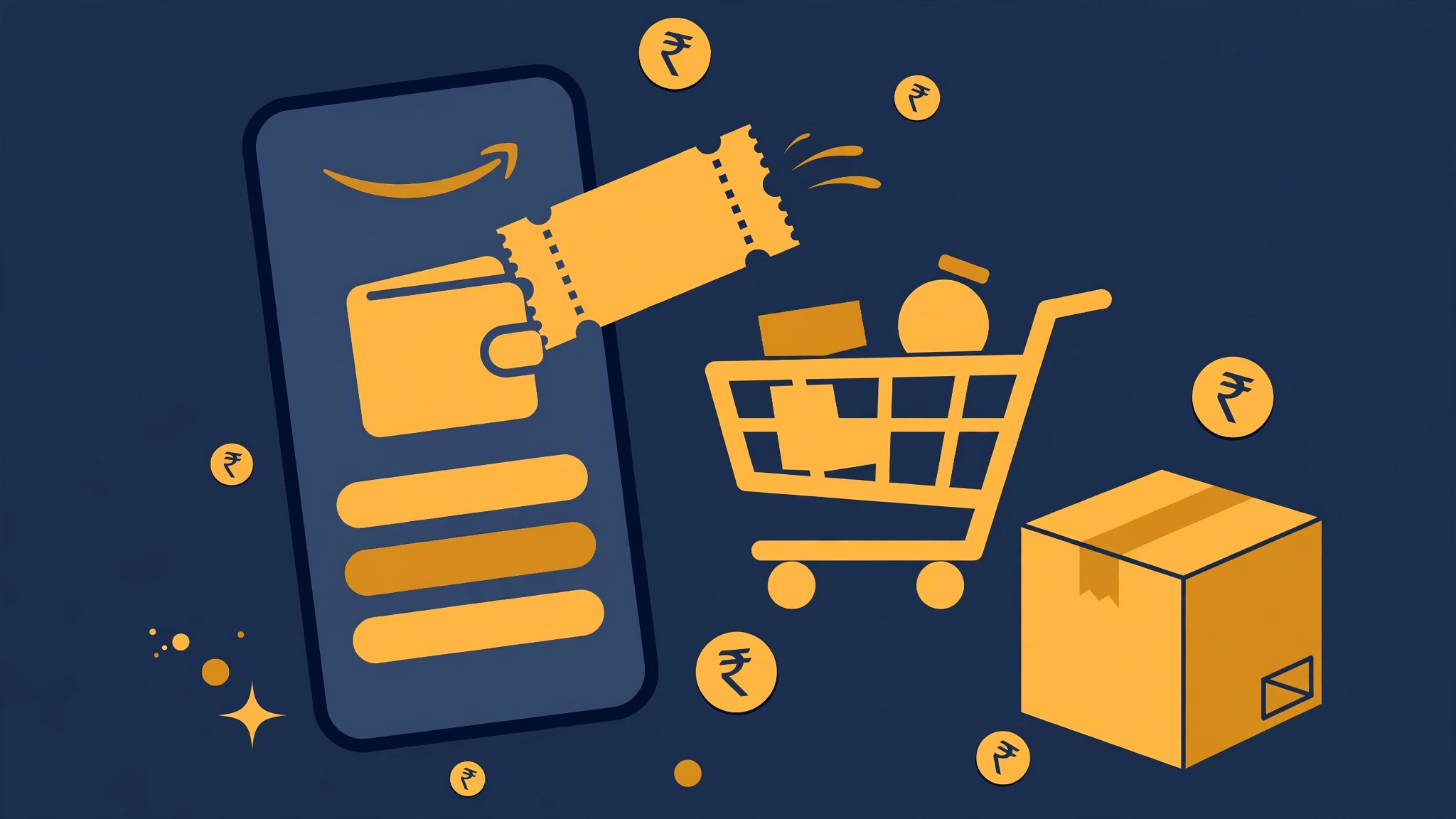
If you are learning how to use Amazon Pay coupon offers on your online orders, this guide walks you through the process from start to finish. Amazon Pay coupons include cashback offers, gift card codes, and balance-linked promotions that appear on Amazon.in from time to time. Applied correctly, they can reduce what you pay at checkout. This article explains how to use Amazon Pay coupon benefits, where to find them, and what rules to watch for — with simple numbered steps for the Amazon app and website.
What Is an Amazon Pay Coupon?
An Amazon Pay coupon is a promotional offer tied to the Amazon Pay wallet on Amazon.in. It can take several forms: a cashback offer that credits money to your Amazon Pay balance after an eligible purchase, a gift card code you add to your balance, or a promotional voucher shown on select product pages. Unlike regular discount codes, Amazon Pay offers usually credit value to your wallet rather than lowering the price on the spot. Knowing which type you have is the first step in learning how to use Amazon Pay coupon offers effectively.
How to Use Amazon Pay Coupon in the Amazon App
Follow these steps to apply an Amazon Pay offer during checkout:
- Open the Amazon app (or visit Amazon.in on your browser) and sign in to your account.
- Add the products you want to your shopping cart and proceed to checkout.
- On the payment selection page, choose Amazon Pay as your payment method.
- If the offer includes a code field, tap “Apply coupon” or the promo/gift-code box and enter the code exactly as given.
- Review the order summary carefully — confirm that the Amazon Pay benefit shows before you place the order.
- Complete the payment. Any cashback from the offer will be credited to your Amazon Pay balance after the order is confirmed.
How to Use Amazon Pay Coupon Codes From Gift Cards
If your offer is an Amazon Pay gift card code, the steps are slightly different:
- Open the Amazon app and go to the menu.
- Tap “Amazon Pay” and then look for the “Add gift card” or “Add money” option.
- Enter the gift card code in the box and submit.
- The value is added to your Amazon Pay balance and can be used on future orders.
Note: only enter codes you received from a trusted source, and never share your codes with strangers.
How to Use Amazon Pay Coupons — Important Rules
Keep these rules in mind so the offer does not fail at checkout:
- Most Amazon Pay offers apply to a single order and cannot be combined with certain other promotions.
- Many offers need a minimum order value, so check the terms before assuming the benefit applies.
- Cashback offers credit the wallet after the order ships or is delivered, not at the moment you pay.
- Some offers apply only to specific product categories or sellers.
- Amazon Pay balance may not be usable with cash-on-delivery orders, since the payment method matters.
For more ways to cut your shopping bill, see our Amazon store page, and always check offers on the official Amazon.in website.
Tips to Get the Most Out of Amazon Pay Coupons
- Claim offers as soon as you see them — wallet-linked promotions can have limited usage slots.
- Compare the final price after applying the offer with prices from other stores before checking out.
- Keep an eye on the “Amazon Pay” section of the app, where active offers and your balance are listed together.
- Read the full terms on the offer page; a few seconds of reading can save you from a rejected coupon at checkout.
Frequently Asked Questions
Q1: Can I use an Amazon Pay coupon without adding money to my wallet? A: Many cashback-style offers apply at checkout without any pre-added balance, as long as you pay with Amazon Pay. Gift card codes, however, must be claimed to your balance first.
Q2: Where do I find active Amazon Pay offers? A: Check the Amazon Pay section inside the Amazon app, the offers page on Amazon.in, and promotional banners during sale events.
Q3: Why is my Amazon Pay coupon not working? A: Common reasons include not meeting the minimum order value, using an ineligible product category, an expired offer, or paying with a method other than Amazon Pay.
Q4: Can I use Amazon Pay balance with cash on delivery? A: Generally no. Amazon Pay balance can only be used when you pay online with Amazon Pay selected as the payment method.
Q5: Do Amazon Pay coupons work on all products? A: No. Many offers are limited to certain categories or sellers, so always read the offer’s terms and conditions first.
Related Post
Tata CLiQ New User Coupon Code: A Complete Guide to First-Order Savings
Ordering fashion from Tata CLiQ for the first time? A tata cliq new user coupon [...]
Unacademy Coupon Code: PLUS8VRR4
Use this unacademy coupon code when you check out on Unacademy. Just copy the code [...]